
Goal setting on the scale alone is hard. "Lose 5 kg" is technically a goal, but it is a number with no shape attached. This is where a Body Visualizer does something a scale cannot — it lets you see what a target looks like before you start. This article shows how to use a Body Visualizer for healthy, realistic weight-loss goal setting.
Important caveat up front: a Body Visualizer is not a medical tool, and weight-loss decisions should involve a clinician or registered dietitian — especially if you have any health condition. Use a Body Visualizer as a visualization aid, not as a verdict.
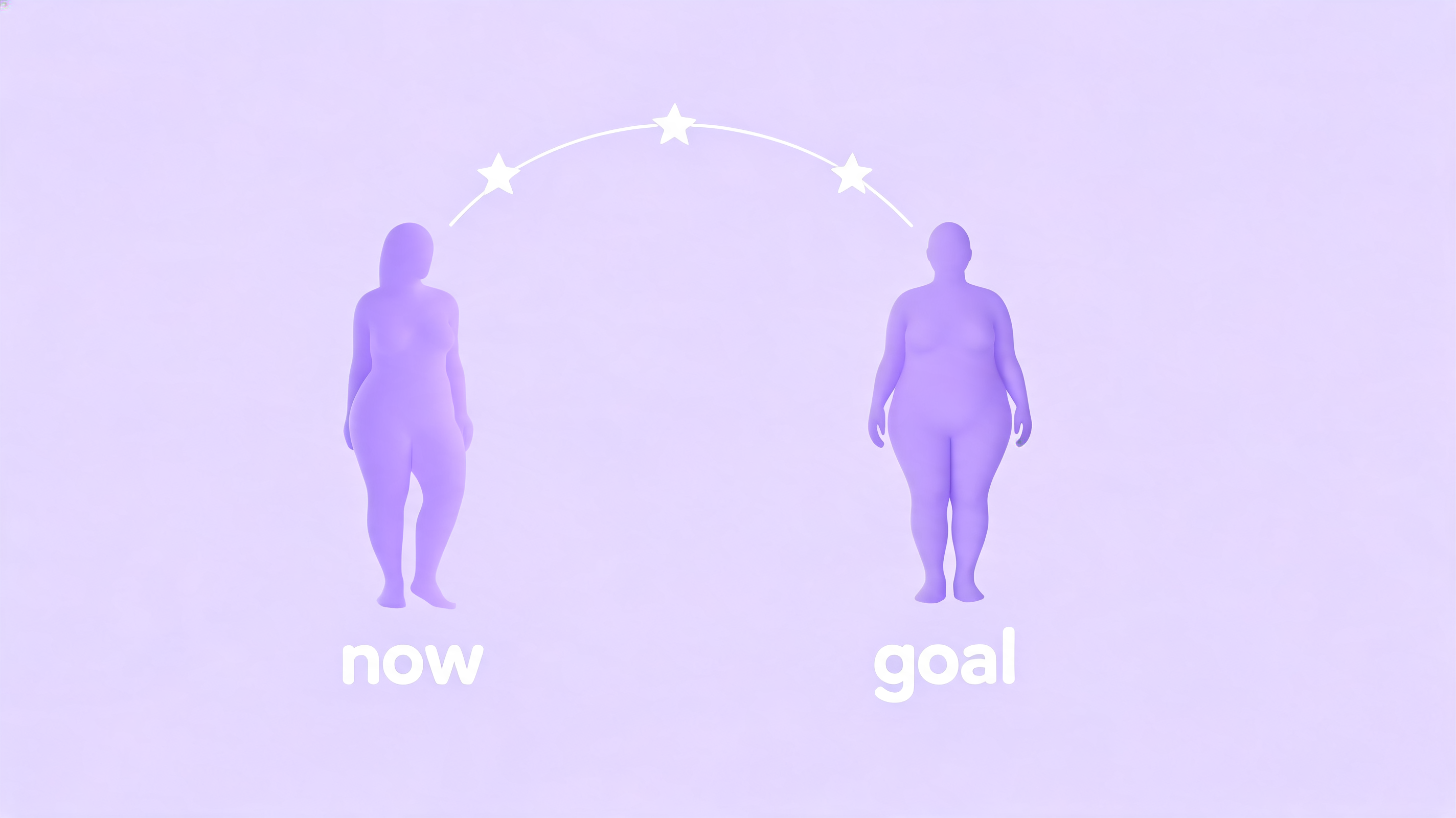
Why a Body Visualizer Beats the Scale for Goal Setting
Scales motivate badly. The number jumps with hydration, food, hormones, and time of day. A Body Visualizer side-steps all of that by working in shape space rather than weight space. With a Body Visualizer you can ask:
- What does my body look like at 70 kg?
- What does my body look like at 65 kg, with the same waist?
- What does my body look like at 65 kg, with -5 cm waist?
That third question is what a Body Visualizer is especially good at answering. The scale cannot tell those three apart, but a Body Visualizer renders each one distinctly.
Step 1: Capture Your Current Shape in a Body Visualizer
Before any goal makes sense, you need an honest starting line. Open the Body Visualizer and enter:
- Height
- Current weight
- Chest / bust
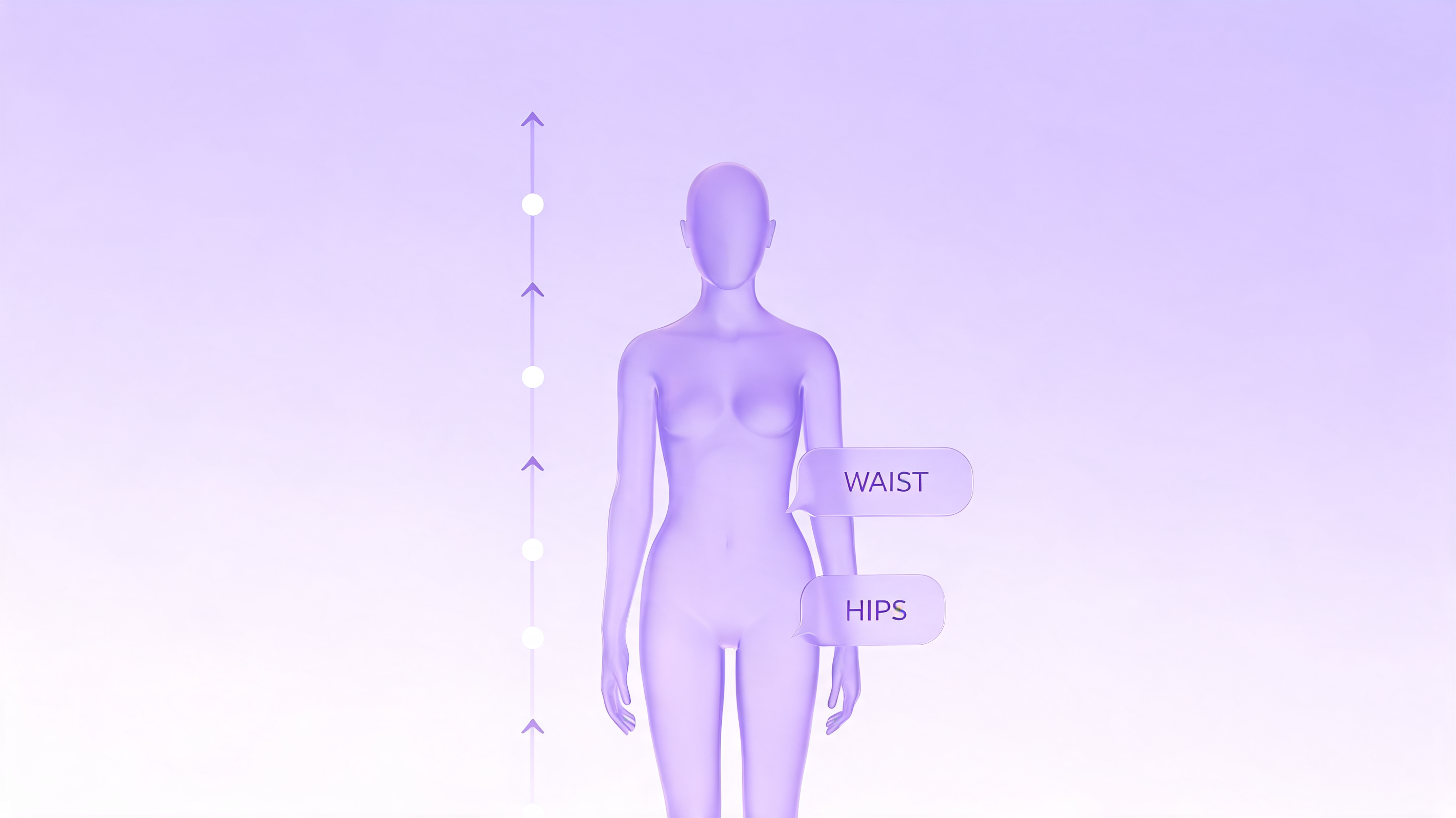
- Waist
- Hips
- Inseam
Screenshot the resulting Body Visualizer preview. (The Body Visualizer at body-visualizer.net does not store your data, by design — so the screenshot is your record.)
Step 2: Pick a Goal Worth Visualizing
Most weight goals fall into one of three categories. A Body Visualizer handles them all:
Goal Type 1: A Scale Number
"I want to weigh X." Type that X into the Body Visualizer's goal weight field. Keep your other measurements unchanged for now — the Body Visualizer will redistribute the change as a uniform reduction. This is a useful first look, but rarely realistic.
Goal Type 2: A Specific Body Region
"I want a smaller waist." Use the Body Visualizer to set a goal waist circumference. The Body Visualizer will warp the mid-section of the goal silhouette while leaving other regions closer to your current proportions. This is more honest than scale-only goals, because the Body Visualizer makes you confront where you want change.
Goal Type 3: A Combination
"I want to lose 4 kg and 3 cm at the waist." Enter both into the Body Visualizer. The Body Visualizer's goal silhouette will reflect both deltas at once, which is the most realistic preview.
Step 3: Read the Body Visualizer Comparison
Once both silhouettes render, look at the Body Visualizer preview from at least three angles: front, side, and slight three-quarter. Things to notice:
- Is the difference between the current and goal Body Visualizer silhouettes large enough to be visible at all?
- Is the change concentrated where you actually want it?
- Does the Body Visualizer goal silhouette look like a realistic version of you, or like a different body entirely?
A common moment in the Body Visualizer comparison view: people realize their imagined "goal body" requires changes their body structure cannot produce (e.g., narrower shoulders are a bone thing, not a fat thing). This is a good thing to learn from a Body Visualizer rather than from frustration months later.
Step 4: Set a Body Visualizer Milestone Schedule
Rather than one giant target, break the Body Visualizer goal into smaller checkpoints:
- Monthly Body Visualizer snapshots. Re-measure once a month, re-enter into the Body Visualizer, screenshot. Three months of Body Visualizer snapshots tell you more than 90 daily weigh-ins.
- Quarter-goal silhouettes. Set Body Visualizer goal values that represent 25%, 50%, 75% of your overall target. Each Body Visualizer comparison becomes a milestone preview.
- Re-evaluate at each milestone. Re-open the Body Visualizer and decide if the goal still feels right. The Body Visualizer goal you set at the start does not have to be the goal you finish with.
Step 5: Use Body Visualizer Metrics, Not Just Visuals
While the silhouette is the headline feature, do not ignore the Body Visualizer's metric panel. Track over time:
- Waist-to-Height Ratio (Body Visualizer reports this). A WHtR below 0.5 is a frequently cited general-population guideline.
- Waist-to-Hip Ratio (Body Visualizer reports this). This shifts more slowly than weight and tracks fat redistribution.
- Estimated body fat %. Treat the Body Visualizer's number as directional only — it is an estimate, not a DEXA.
Plotting these from your monthly Body Visualizer snapshots into a simple spreadsheet gives you a richer story than scale weight alone.
Body Visualizer Goal-Setting Pitfalls
A Body Visualizer is a tool, not a coach, so a few traps are worth flagging:
- Comparison creep. Do not keep nudging your Body Visualizer goal smaller every session. Lock a goal in, work toward it, then re-evaluate.
- Daily Body Visualizer checks. Body shape barely moves day to day. A Body Visualizer used daily produces frustration; a Body Visualizer used monthly produces motivation.
- Treating the Body Visualizer silhouette as a portrait. It is not. The Body Visualizer cannot show what your real body will look like — only the rough proportions.
- Skipping the clinician. A Body Visualizer does not approve a weight-loss plan. It just helps you see it.
What the Body Visualizer Should Never Be Used For
We will repeat this because it matters: a Body Visualizer should never be used:
- to assess or screen for an eating disorder,
- to make medical decisions,
- to compare yourself against another person's Body Visualizer output (your starting biology is different),
- to justify aggressive or unsustainable weight-loss methods.
If a Body Visualizer is making you feel worse about yourself rather than helping you plan, close the tab and talk to a professional.
Why Visual Goals Tend to Stick Better
Behavior research repeatedly finds that goals with a visual component are more durable than abstract numeric goals. A Body Visualizer leans straight into that — when you see a goal silhouette, your brain has something concrete to aim at, instead of an abstract "kg" delta. That alone is reason enough to use a Body Visualizer alongside whatever weight-management plan you and your clinician choose.
Get Started
Open the Body Visualizer, capture your current shape, set a goal silhouette, and let the comparison guide your next month of decisions. The Body Visualizer is free, browser-based, and never asks for a photo — which makes it the lowest-friction tool to start with today.
👉 Try the Body Visualizer and set your first goal silhouette.