
Use a Body Visualizer to compare measurements recorded under consistent conditions. Enter your current values, save a dated screenshot, and repeat the same view at a later check-in. The preview reflects your inputs; it does not independently measure fat loss or muscle gain.
This article shows how to use a Body Visualizer as part of a fitness tracking workflow without falling into the daily-weigh-in trap.
Editorial note: this workflow is based on monthly check-ins because weekly tape measurements often create more noise than useful signal for fitness progress.
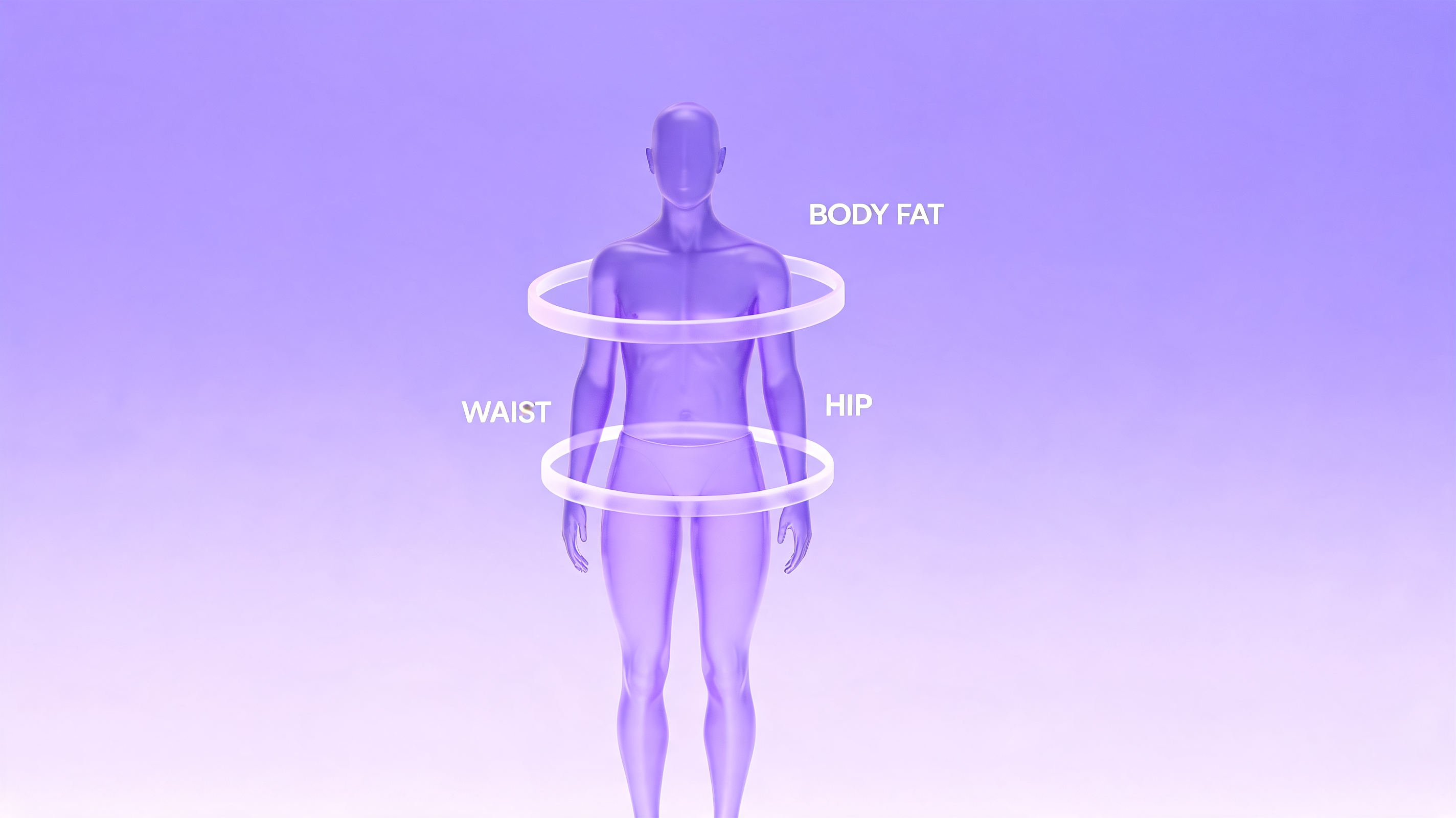
The Body Visualizer Tracking Workflow
The basic loop is simple:
- Pick a fixed interval (weekly, biweekly, or monthly - monthly is best for most lifters).
- Re-take your tape measurements under consistent conditions.
- Enter them in the Body Visualizer.
- Screenshot the Body Visualizer 3D preview from front, side, and three-quarter angles.
- Save the screenshot with the date.
What to Track Beyond the Scale
The Body Visualizer reports several metrics worth tracking explicitly:
- Waist circumference - moves with central adiposity. A waist that shrinks while weight stays flat is exactly the kind of recomposition the scale hides.
- Waist-to-Height Ratio (WHtR) - Body Visualizer computes this automatically. WHtR is a more clinically interesting number than BMI.
- Waist-to-Hip Ratio (WHR) - Body Visualizer also computes this. Tracks distribution.
- Estimated body fat % - Body Visualizer estimates this via Deurenberg. Useful as a trend signal, not an absolute reading.
- Hip and chest circumferences - Body Visualizer warps its 3D preview from these. Useful for resistance training progress.
The model changes when you change its inputs. Repeat measurements with the same tape placement and units before comparing results. A shape label is a rule-based description, not a validated prediction of appearance, health, or future progress.
Body Visualizer Tracking for Common Goals
Compare the measurements
The model changes when you change its inputs. Repeat measurements with the same tape placement and units before comparing results. A shape label is a rule-based description, not a validated prediction of appearance, health, or future progress.
Interpret the estimates
BMI uses height and weight only. It cannot separate fat mass from muscle mass or establish an individual’s health status. A 3D model also cannot measure body composition; it illustrates the entered proportions. To compare muscle relative to height, use the FFMI calculator.
Combining a Body Visualizer with Other Fitness Data
A Body Visualizer is one signal among several. A useful weekly review might include:
- This week's training log
- Average sleep / HRV (if you track them)
- Weekly average scale weight
- Latest Body Visualizer silhouette + screenshot
Reading all four together is far more informative than any one of them alone. The Body Visualizer often becomes the anchor - the visual reminder of where things actually stand.
Sharing Body Visualizer Progress Safely
A screenshot avoids showing a face or a photograph of your body, but visible measurements can still be personal information. Review and crop the image before sharing it, and remove names or other identifying details.
Body Visualizer Limitations for Fitness Tracking
A few honest caveats:
- The Body Visualizer cannot measure muscle directly. It infers from circumferences.
- The Body Visualizer body fat estimate is rough; treat it as a trend, not a precise number.
- Tape measurement consistency dominates Body Visualizer accuracy. The same person, measuring sloppily, will get noisy Body Visualizer readings even if the underlying body is stable. For a tape-measure estimate, try the body fat calculator.
- A Body Visualizer is not a substitute for a DEXA scan if you need an actual body composition number.
The model changes when you change its inputs. Repeat measurements with the same tape placement and units before comparing results. A shape label is a rule-based description, not a validated prediction of appearance, health, or future progress.
Get Started With a Body Visualizer Fitness Log
Pick a date. Take your measurements. Open the Body Visualizer. Screenshot the preview. Save it. Set a reminder for one month from now.
Three months from that first session, you will have something most people who train do not - an honest, visual, non-photographic record of how your body actually changed.
Open the 3D body progress preview and take your first snapshot today.