
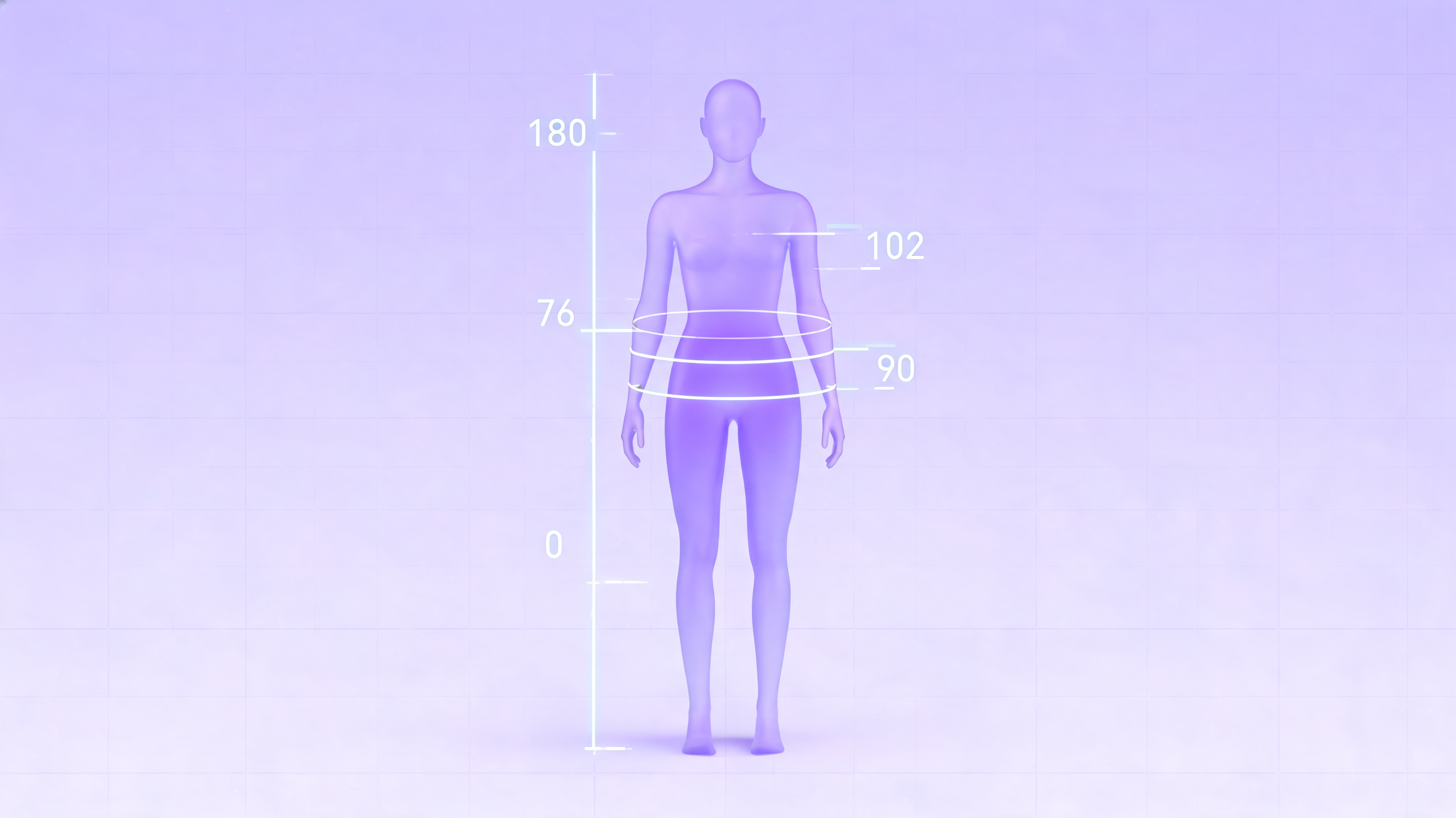
A Body Visualizer is a free, browser-based 3D tool that turns your numeric body measurements — height, weight, chest, waist, hips, and inseam — into a visual silhouette you can rotate and inspect. Instead of staring at a single BMI number, a Body Visualizer gives you a shape you can actually see, which is why so many people now use a Body Visualizer alongside (or instead of) traditional calculators.
This guide explains what a Body Visualizer is, what it shows, what it does not show, and when a Body Visualizer is the right tool for your goal.
What a Body Visualizer Actually Does
At its core, a Body Visualizer is a calculator with a 3D viewport bolted on. You enter measurements, and the Body Visualizer:
- Renders a 3D mannequin that roughly matches your inputs.
- Calculates simple body metrics (BMI, Waist-to-Height Ratio, Waist-to-Hip Ratio, an estimated Body Fat percentage).
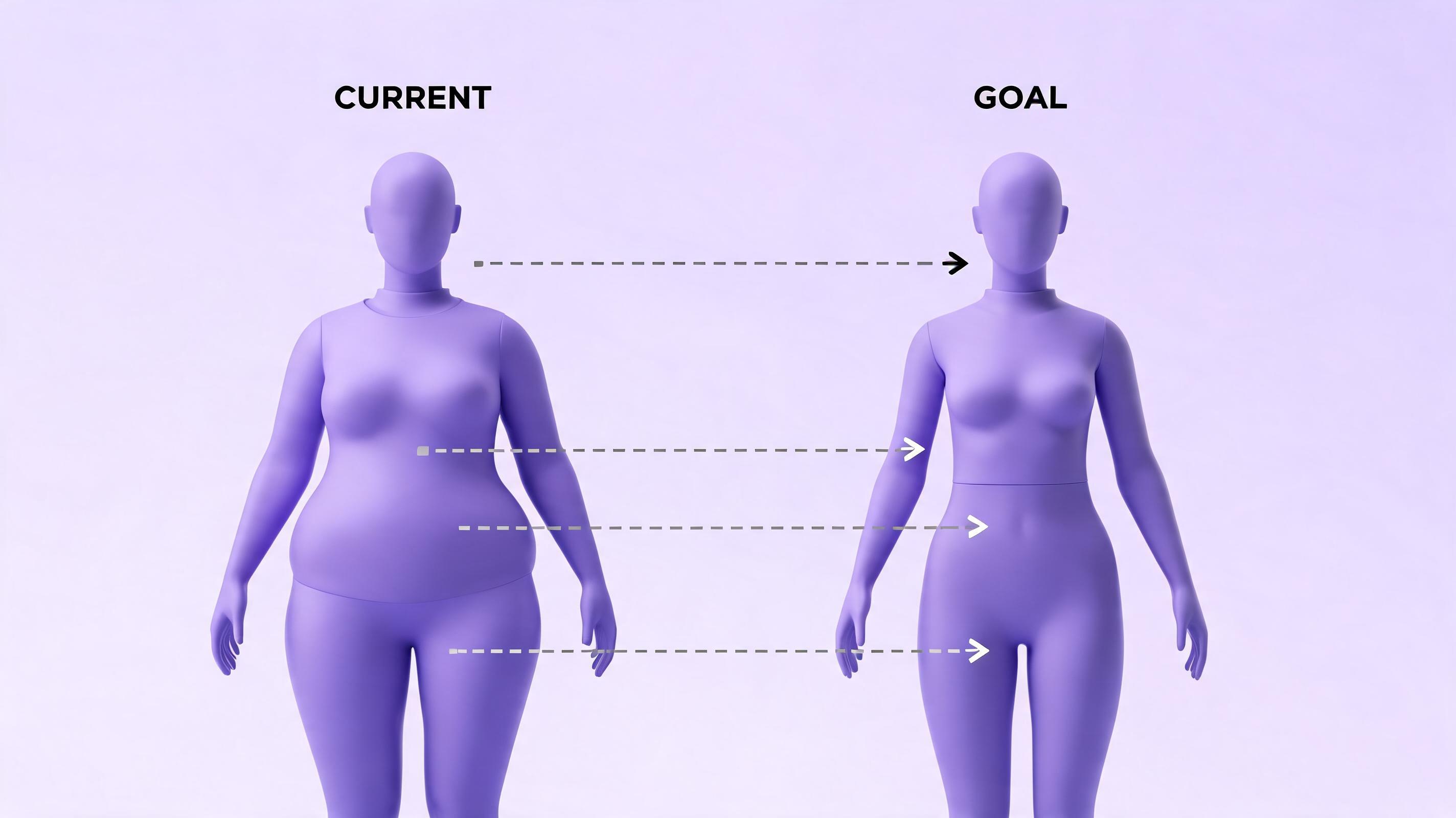
- Optionally compares your current shape against a goal shape so you can visualize a change.
A modern Body Visualizer like the one at body-visualizer.net runs entirely in your browser. There is no app to install, no account to create, and no photo upload — a Body Visualizer that works correctly should never need a real photo of you.
What Inputs a Body Visualizer Needs
The minimum a Body Visualizer needs is height and weight. With just those two, a Body Visualizer can already render a rough silhouette and calculate BMI.
For a more accurate Body Visualizer preview, you add:
- Chest / bust — affects upper-body width.
- Waist — affects mid-section thickness and shape.
- Hips — affects lower-body width and hip-to-waist taper.
- Inseam — affects leg-to-torso ratio.
The more measurements you give a Body Visualizer, the more personalized the silhouette becomes. Without these, the Body Visualizer falls back to averages, which is why two people with the same BMI can produce very different silhouettes in a real Body Visualizer.
What a Body Visualizer Calculates
A typical Body Visualizer reports several derived metrics next to the 3D preview:
BMI
Body Mass Index is height-and-weight only. A Body Visualizer shows it so you can compare to standard ranges, but BMI cannot distinguish muscle from fat.
Waist-to-Height Ratio (WHtR)
WHtR — your waist divided by your height — is often a better indicator of central adiposity than BMI. A Body Visualizer that includes waist measurement gives you this for free.
Waist-to-Hip Ratio (WHR)
WHR describes fat distribution shape (more apple vs more pear). It only works if you enter both waist and hips, so a full-featured Body Visualizer always asks for both.
Estimated Body Fat %
Most browser-based Body Visualizer tools estimate body fat using the Deurenberg formula. This is only an estimate — it cannot replace a DEXA scan — but it is still useful as a directional indicator.
Body Shape Label
A Body Visualizer often outputs a categorical label like hourglass, pear, apple, or rectangle. These are descriptive only and have no clinical meaning.
What a Body Visualizer Is Not
This is the most important section. A Body Visualizer:
- Is not a medical device.
- Is not a diagnostic tool for any health condition.
- Is not a screen for eating disorders.
- Is not a body-image grading system.
A Body Visualizer is a visual estimate based on the numbers you type. It cannot see your muscle mass, posture, bone density, fat distribution, or genetics. Treat the Body Visualizer output as a rough preview, not a medical reading.
If you have any concern about your weight, body composition, or health, talk to a licensed clinician — not a Body Visualizer.
Why a Body Visualizer Is More Intuitive Than a Calculator
Numbers are abstract. A Body Visualizer makes them concrete. Two people can both have a "BMI of 24" yet look completely different — and a Body Visualizer is the fastest way to see why. By rendering a shape rather than a digit, a Body Visualizer:
- Makes goal-setting more tangible. A "goal shape" preview from a Body Visualizer is easier to internalize than "lose 5 kg."
- Helps you ground unrealistic expectations. If your Body Visualizer goal shape looks identical to your current shape, you'll notice that immediately.
- Removes the photo-comparison habit that often makes people feel worse. A Body Visualizer uses abstract silhouettes, not real bodies.
Common Use Cases for a Body Visualizer
A Body Visualizer is useful whenever you want a visual handle on body data:
- Fitness goal previews. Use a Body Visualizer to imagine what hitting a target waist measurement might look like.
- Clothing fit checks. Some people use a Body Visualizer to estimate fashion fit before ordering.
- Tracking change over time. Compare snapshots from a Body Visualizer monthly instead of obsessing over the daily scale.
- General curiosity. A Body Visualizer answers "what does a 90 cm waist look like on someone my height?" without you needing a mirror.
Body Visualizer Tips for Better Results
To get the most useful output from any Body Visualizer:
- Measure with a soft tape, standing relaxed, without sucking in.
- Use the same units consistently — a Body Visualizer with imperial/metric toggle is convenient but mixing them up gives nonsense.
- Re-measure every few weeks rather than every day; a Body Visualizer is a trend tool, not a daily mood device.
- Treat the Body Visualizer silhouette as a category, not a portrait.
Try the Body Visualizer
A good Body Visualizer should be free, private, fast, and require nothing more than a few numbers. Our Body Visualizer at body-visualizer.net runs in your browser, never uploads a photo, never stores your measurements, and gives you the 3D preview plus all the standard metrics in one screen.
👉 Open the Body Visualizer and see your shape in 3D.