
The first question most people ask after their initial Body Visualizer preview loads is the same: how accurate is this? A 3D Body Visualizer feels impressively personalized, so it is tempting to treat the output as a clinical reading. It is not — and in this article we will explain exactly where a Body Visualizer is reliable, where it is approximate, and where it is best ignored.
If you have never used one, give the free Body Visualizer at body-visualizer.net a try first — the rest of this article will make more sense once you have seen a Body Visualizer in action.
What "Accurate" Even Means for a Body Visualizer
Before we judge a Body Visualizer's accuracy, we have to define what accuracy refers to. A Body Visualizer produces three categories of output:
- A 3D shape — the visual silhouette.
- Direct metrics — BMI, WHtR, WHR.
- Derived estimates — body fat percentage, shape labels.
Each one has its own honest answer for "how accurate."
Body Visualizer Direct Metrics: Highly Accurate
The math behind BMI, WHtR, and WHR is exact. If you give a Body Visualizer correct measurements, the Body Visualizer will return correct ratios — to the nearest decimal. There is no estimation here, only arithmetic.
So in that sense, a Body Visualizer is 100% accurate for direct metrics, provided your tape measurements are accurate. The error in a Body Visualizer's direct metrics is therefore almost entirely the error in your own tape work.
Tips to minimize tape error before blaming the Body Visualizer:
- Use a soft, non-stretchy tape.
- Stand relaxed; do not suck in your waist for a Body Visualizer reading.
- Measure waist at the narrowest point (often just above the navel), hips at the widest.
- Measure twice and average.
Body Visualizer 3D Preview: Approximate by Design
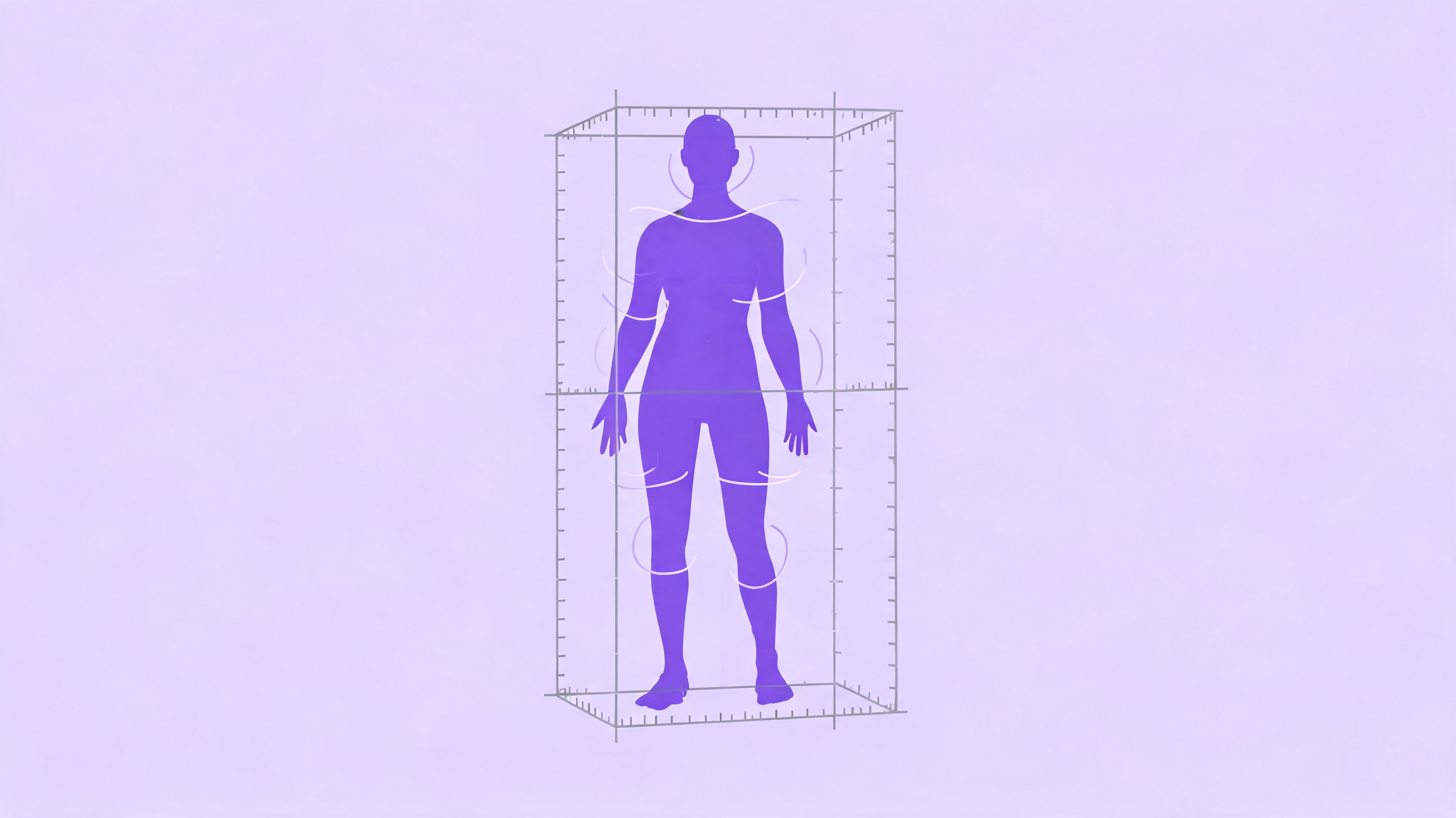
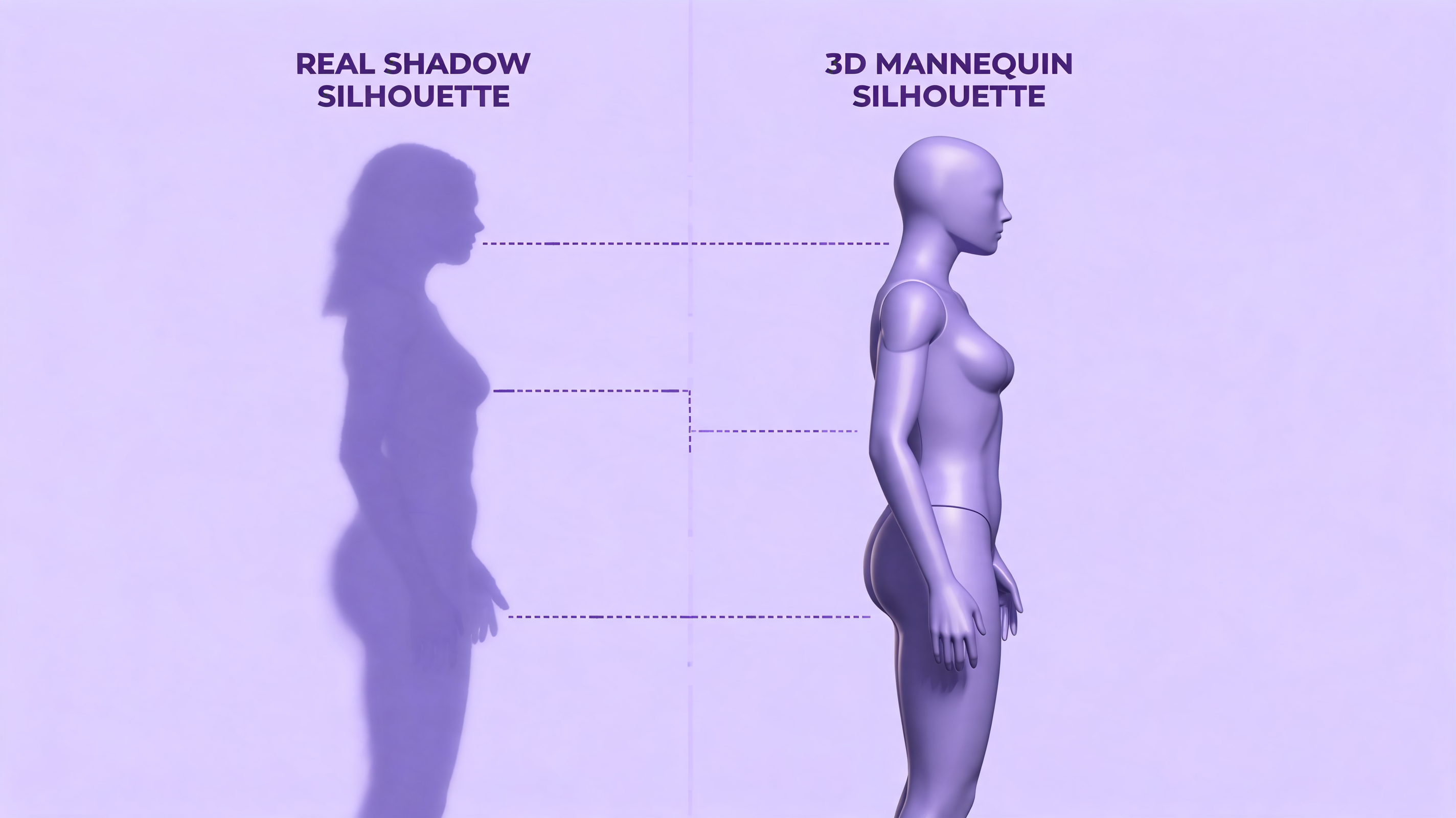
The 3D silhouette in a Body Visualizer is not a scan of you. It is a base mannequin mesh that the Body Visualizer warps to roughly match your inputs. Two important consequences:
- The Body Visualizer preview reflects proportions, not real anatomy. It does not know your bone structure, posture, muscle distribution, or fat distribution within a region.
- The Body Visualizer cannot represent things like asymmetry, scar tissue, prosthetics, or pregnancy.
So if your Body Visualizer preview looks "slimmer" or "heavier" than the mirror, that is expected. A Body Visualizer is intentionally generalized — it is showing you a category of shape, not a portrait.
This is also why a good Body Visualizer is faceless and skin-neutral. A more "realistic" Body Visualizer would imply more accuracy than the math actually supports.
Body Visualizer Body Fat %: Educated Guess
This is where most accuracy disappointment happens. The estimated body fat percentage in a Body Visualizer is usually derived from the Deurenberg formula:
Body Fat % = 1.20 × BMI + 0.23 × age − 10.8 × sex − 5.4(where sex = 1 for male, 0 for female)
Some Body Visualizer implementations assume a default age (often 30) if you do not enter one. That assumption alone can shift the Body Visualizer's body fat estimate by several percentage points.
How accurate is a Body Visualizer body fat estimate compared to gold-standard methods?
- DEXA scan: Most accurate; typically ±1–2%.
- Bod Pod: ±2–3%.
- Bioelectrical impedance scale: ±3–5%, but very state-dependent (hydration, food intake).
- Body Visualizer (Deurenberg): Roughly ±4–5% for typical adults, but individual variation can be much larger.
So a Body Visualizer body fat number should be treated as directional, not definitive. If your Body Visualizer says 22%, the truth might be 18–26%. Don't make any clinical decisions on a Body Visualizer body fat reading alone.
Body Visualizer Shape Labels: Useful but Categorical
A Body Visualizer often outputs a shape descriptor like hourglass, pear, apple, or rectangle. These labels:
- Are computed from ratios between bust, waist, and hips.
- Have no clinical meaning — they exist for self-description, not medicine.
- Can change category at small input changes near the boundary. A Body Visualizer might call you "rectangle" with one waist measurement and "hourglass" with another waist 2 cm narrower.
Treat Body Visualizer shape labels as conversation starters, not diagnoses.
What a Body Visualizer Cannot See
It is worth listing what no Body Visualizer can detect, no matter how good:
- Muscle vs fat. A Body Visualizer treats both as mass.
- Visceral fat distribution. A Body Visualizer can hint via waist circumference, but it cannot image inside you.
- Posture and bone structure. A Body Visualizer assumes a default skeletal frame.
- Health. A Body Visualizer does not diagnose anything.
- Eating disorders. A Body Visualizer must not be used as a screen.
Any tool — Body Visualizer or otherwise — that claims to do these things is overstepping.
How to Get the Most Accurate Body Visualizer Output
Five practical tips for a more trustworthy Body Visualizer experience:
- Re-measure each session. Body shape is more fluid than you think; a Body Visualizer based on month-old measurements is half-blind.
- Use the same conditions. Same time of day, same hydration level, same clothing layer — a Body Visualizer compares well across sessions only if conditions are consistent.
- Provide every measurement the Body Visualizer asks for. With more inputs, the Body Visualizer has fewer assumptions to make.
- Use the metric system if you are unsure. Imperial mixed inputs (e.g., 5'11" with a waist in cm) are a common Body Visualizer accuracy killer.
- Treat trends, not snapshots. A single Body Visualizer reading is noisy; ten across two months is signal.
The Honest Headline
A Body Visualizer is accurate for what it is: a math-driven, visual estimate based on numbers you typed. It is not accurate as a body scan, not accurate as a body composition test, and not accurate as a health screen. Use a Body Visualizer to see numbers, to compare states, and to set visual goals — and use a clinician for anything that actually matters medically.
👉 Open the Body Visualizer with this article in mind and the output will feel a lot more useful.