
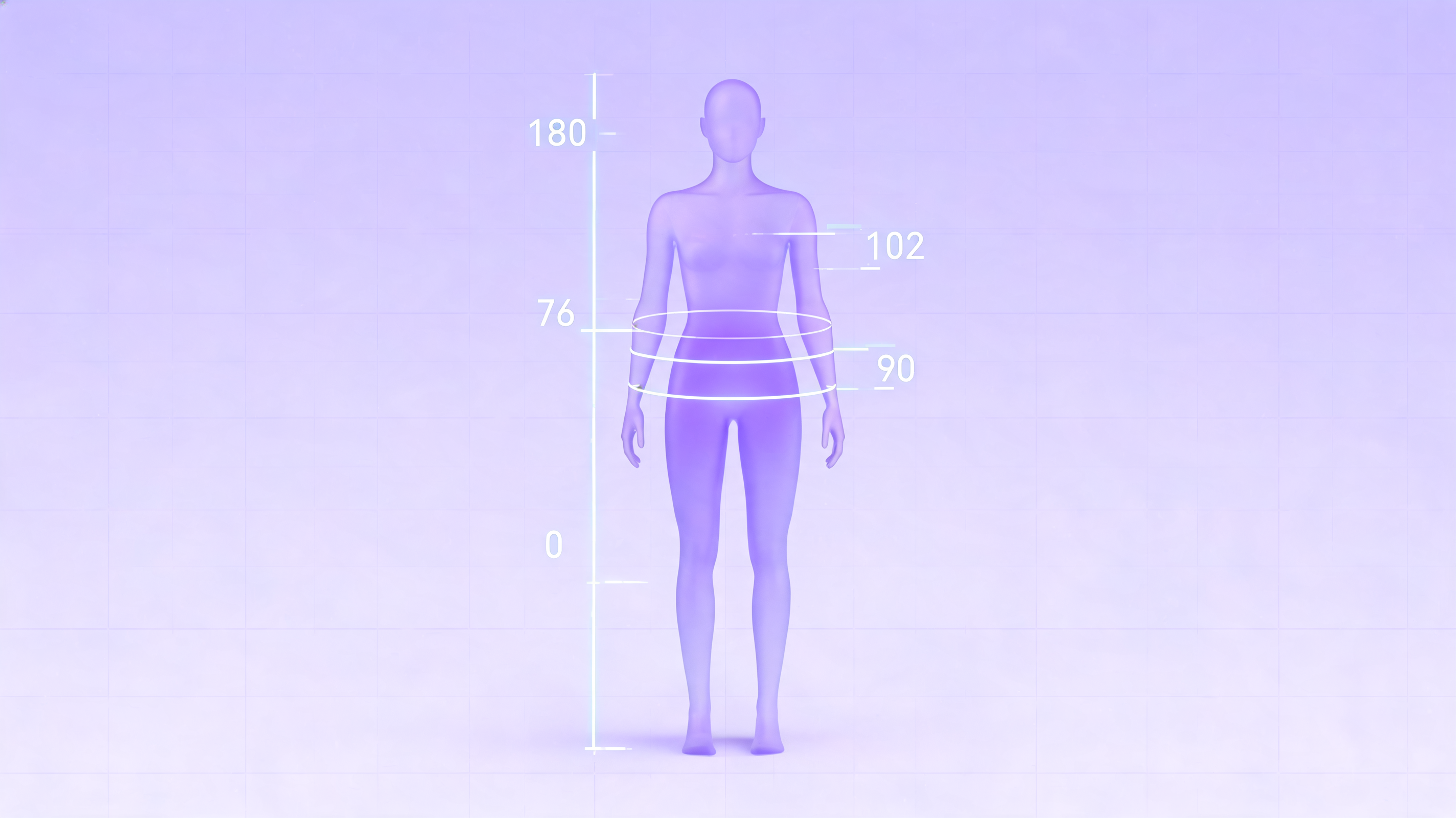
A body visualizer is a browser-based 3D body shape tool that turns numeric inputs such as height, weight, chest or bust, waist, hips, and inseam into a visual silhouette you can rotate and inspect. Instead of relying only on a BMI calculator, the tool gives you a shape-based reference for body measurements, proportions, and possible goal scenarios.
This guide explains how a 3D silhouette preview works, which metrics it usually reports, when it is useful, and where it should not be over-read.
Editorial note: this overview was written after reviewing common first-time user questions about whether a body shape preview is closer to a BMI calculator, a size chart, or a medical scan.
What a 3D Body Shape Tool Actually Does
At its core, this kind of measurement tool combines a calculator with a 3D viewport. You enter values, and the software:
- Renders an abstract mannequin that roughly matches your inputs.
- Calculates simple body metrics such as BMI, waist-to-height ratio, waist-to-hip ratio, and an estimated body fat percentage.
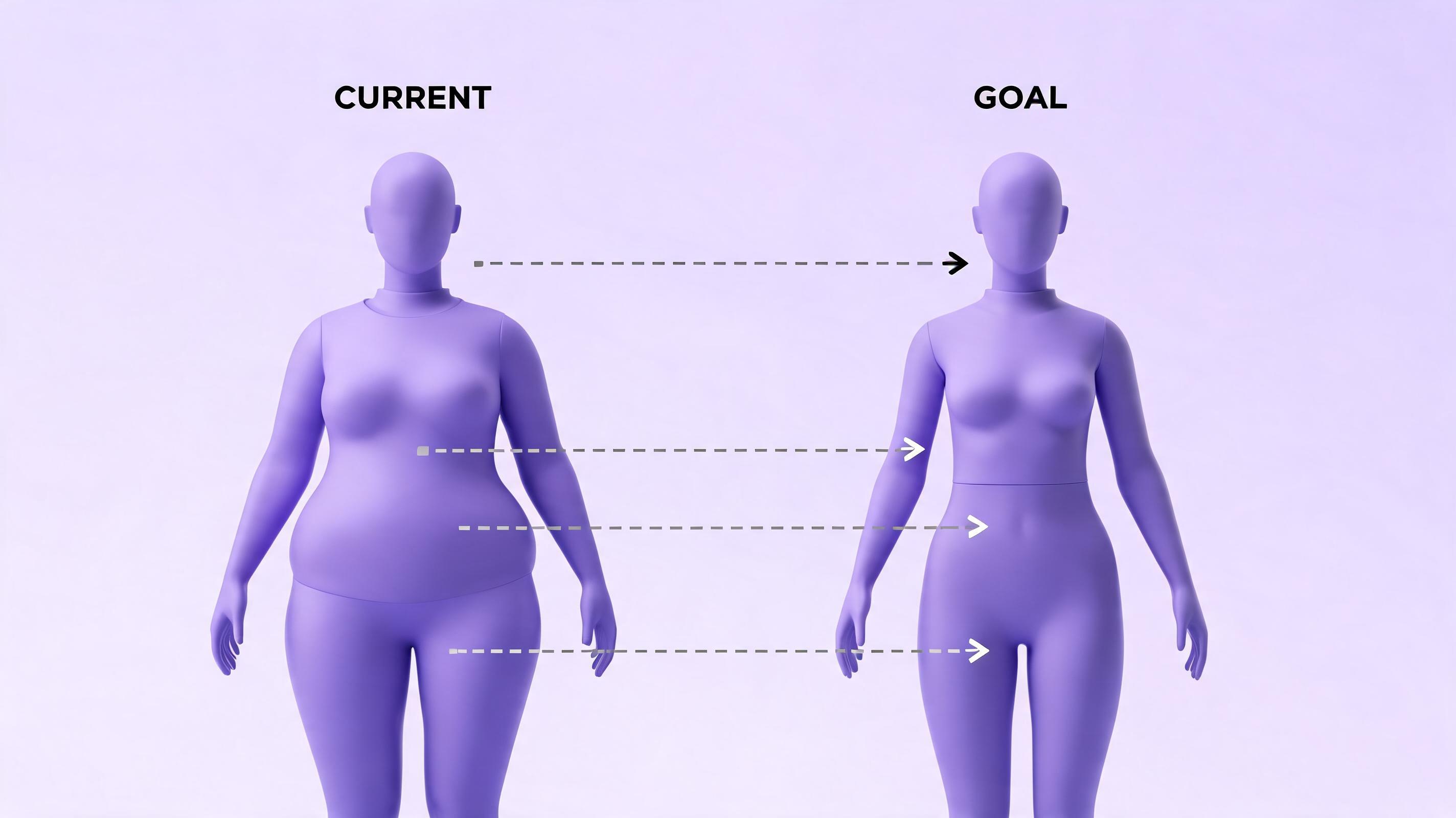
- Optionally compares current measurements with goal values so you can view two silhouettes side by side.
The free 3D body shape preview tool runs in the browser. There is no app to install, no account to create, and no photo upload. That matters because a body measurements tool should not need a real image of you to produce a private visual estimate.
What Inputs You Need
The minimum inputs are height and weight. With only those two values, the preview can estimate overall scale and calculate BMI. The result is useful as a starting point, but it still depends on average proportions.
For a more specific body shape estimate, add:
- Chest / bust - affects upper-body width.
- Waist - affects midsection size and taper.
- Hips - affects lower-body width and waist-to-hip proportion.
- Inseam - helps estimate leg-to-torso balance.
The more measurements you enter, the less the preview has to rely on population averages. This is why two people with the same BMI can produce very different 3D silhouettes when waist, hip, and chest measurements are included.
What Metrics Are Calculated
Most 3D body measurement tools show several derived values next to the preview.
BMI
Body Mass Index is calculated from height and weight. Public health organizations still use BMI categories as a population-level screening reference, but BMI cannot distinguish muscle from fat or explain body composition by itself. The CDC adult BMI categories are useful context, not a personal diagnosis.
Waist-to-Height Ratio
Waist-to-height ratio, or WHtR, compares waist circumference with total height. It can add distribution context that BMI misses because it includes a direct waist measurement.
Waist-to-Hip Ratio
Waist-to-hip ratio, or WHR, compares waist size with hip size. It is a body proportion metric rather than a complete health assessment, but it helps explain why two bodies with similar weight can have different silhouettes.
Estimated Body Fat Percentage
Some browser-based calculators estimate body fat from BMI, age, and sex using the Deurenberg formula. The original prediction equation was published in peer-reviewed research indexed by PubMed. It is directional only; a DEXA scan or clinical body composition method may give a different result.
Body Shape Label
Labels such as hourglass, pear, apple, or rectangle are geometric summaries of the measurements you typed. They are descriptive, not clinical, and they should never be treated as a grade or ideal.
What This Tool Is Not
This is the most important boundary. A visual body shape estimate is:
- Not a medical device.
- Not a diagnostic tool.
- Not a screen for eating disorders.
- Not a body-image rating system.
The preview cannot see muscle mass, posture, bone density, visceral fat, genetics, or changes in hydration. If you have concerns about weight, body composition, or health, use qualified medical guidance rather than a browser-based calculator.
Why a Visual Preview Can Be More Intuitive Than a Calculator
Numbers are abstract. A 3D silhouette makes them easier to interpret. Two people can both have a BMI of 24 and still look different because waist, hips, shoulders, muscle distribution, and posture vary. By rendering a shape instead of only returning a number, the tool can:
- Make goal-setting more concrete.
- Show whether a target waist or weight change would be visually meaningful.
- Reduce dependence on photo comparison.
- Give clothing and tailoring decisions a quick visual reference.
The key is to treat the model as a category-level estimate, not a portrait.
Common Use Cases
A body shape tool is useful whenever you want a visual handle on measurement data:
- Fitness tracking. Compare waist, hip, and weight changes over several weeks.
- Weight goal planning. Preview current and goal measurements side by side.
- Fashion fit. Use proportions as a reference before choosing cuts or sizes.
- General curiosity. Understand how a 90 cm waist or a different hip measurement changes a silhouette at your height.
Tips for Better Results
To get a more useful preview:
- Measure with a soft tape while standing relaxed.
- Use the same unit system throughout.
- Re-measure every few weeks rather than every day.
- Treat the silhouette as a visual estimate, not a medical reading.
- Compare trends over time instead of reacting to one snapshot.
Try the Free Tool
A good 3D body visualizer should be private, fast, and based on the numbers you choose to enter. The tool at body-visualizer.net gives you a 3D preview, measurement-based metrics, and goal comparison in one screen.
Open the 3D body shape preview and see your shape in 3D.