
Online shopping has a fit problem. The size you order is the size that arrives, but whether it actually suits your shape is anyone's guess until the box lands at your door. A Body Visualizer does not solve this completely — no tool can — but it dramatically narrows the guesswork by giving you a 3D silhouette you can compare against any size chart on the web. This article walks through how to use a Body Visualizer for fashion fit decisions.
If you have never tried one, our free Body Visualizer at body-visualizer.net works in any browser, with no signup.
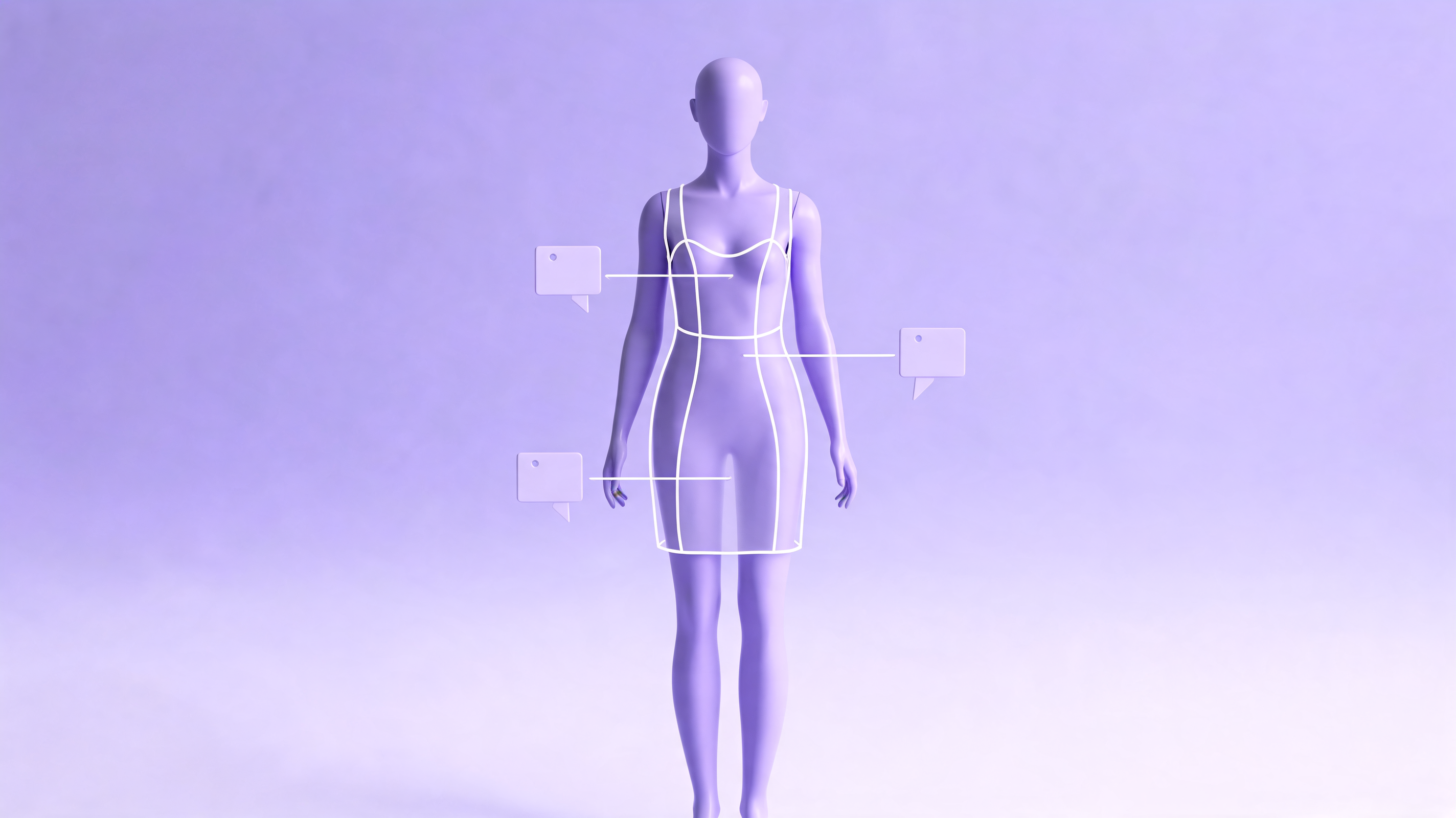
What a Body Visualizer Tells You About Fit
A Body Visualizer cannot directly tell you "you are a size M at Brand X." But it gives you the four pieces of information every fit chart actually needs:
- Bust — drives top sizes, dresses, outerwear.
- Waist — drives bottoms, dresses, fitted tops.
- Hips — drives bottoms, dresses.
- Inseam — drives pants and jumpsuits.
The Body Visualizer 3D preview lets you eyeball whether your proportions are "average" relative to a brand's assumed body, which is exactly where most fit failures happen.
The Size Chart Workflow With a Body Visualizer
Try this on your next online purchase:
- Take your measurements (see our Body Visualizer measurements guide).
- Enter them in the Body Visualizer.
- Open the brand's size chart.
- Compare each of your Body Visualizer numbers — bust, waist, hips, inseam — to the chart row by row.
- Pick the size whose row best matches the majority of your Body Visualizer numbers.
- Use the Body Visualizer silhouette to sanity-check whether a fitted style will work for your proportions.
Step 5 is the single biggest unlock. People with mismatched proportions (e.g., a hourglass waist with bigger hips) almost always need a different size for tops vs bottoms — and a Body Visualizer is the fastest way to see that.
Body Visualizer for Common Fit Scenarios
Fitted Dresses
A dress is sized off bust, waist, and hips simultaneously. A Body Visualizer is invaluable here, because the 3D preview shows you whether the brand's "size 8" curve actually matches yours, or whether you should size up to fit the hips and tailor the waist.
Jeans and Pants
Jeans are notoriously brand-specific. With a Body Visualizer you know:
- Your waist number (Body Visualizer reports it).
- Your hip number (Body Visualizer reports it).
- Your inseam (Body Visualizer reports it).
- Your hip-to-waist ratio (Body Visualizer computes it).
That last one is the secret weapon. If your Body Visualizer hip-to-waist ratio is steep, mid-rise jeans sized to your hip will gap at the waist — and you will know that before you order.
Fitted Tops and Shirts
Body Visualizer chest/bust drives top sizing, but the bust-to-waist taper drives whether a fitted top will pull at the buttons or hang loose. The Body Visualizer 3D preview shows that taper clearly.
Outerwear
Coats and blazers need to clear your bust at the right place. A Body Visualizer makes it easier to estimate whether a brand's "size M" jacket will fit your bust and shoulder width together, or whether you should size up for the shoulders and accept the slight extra room at the waist.
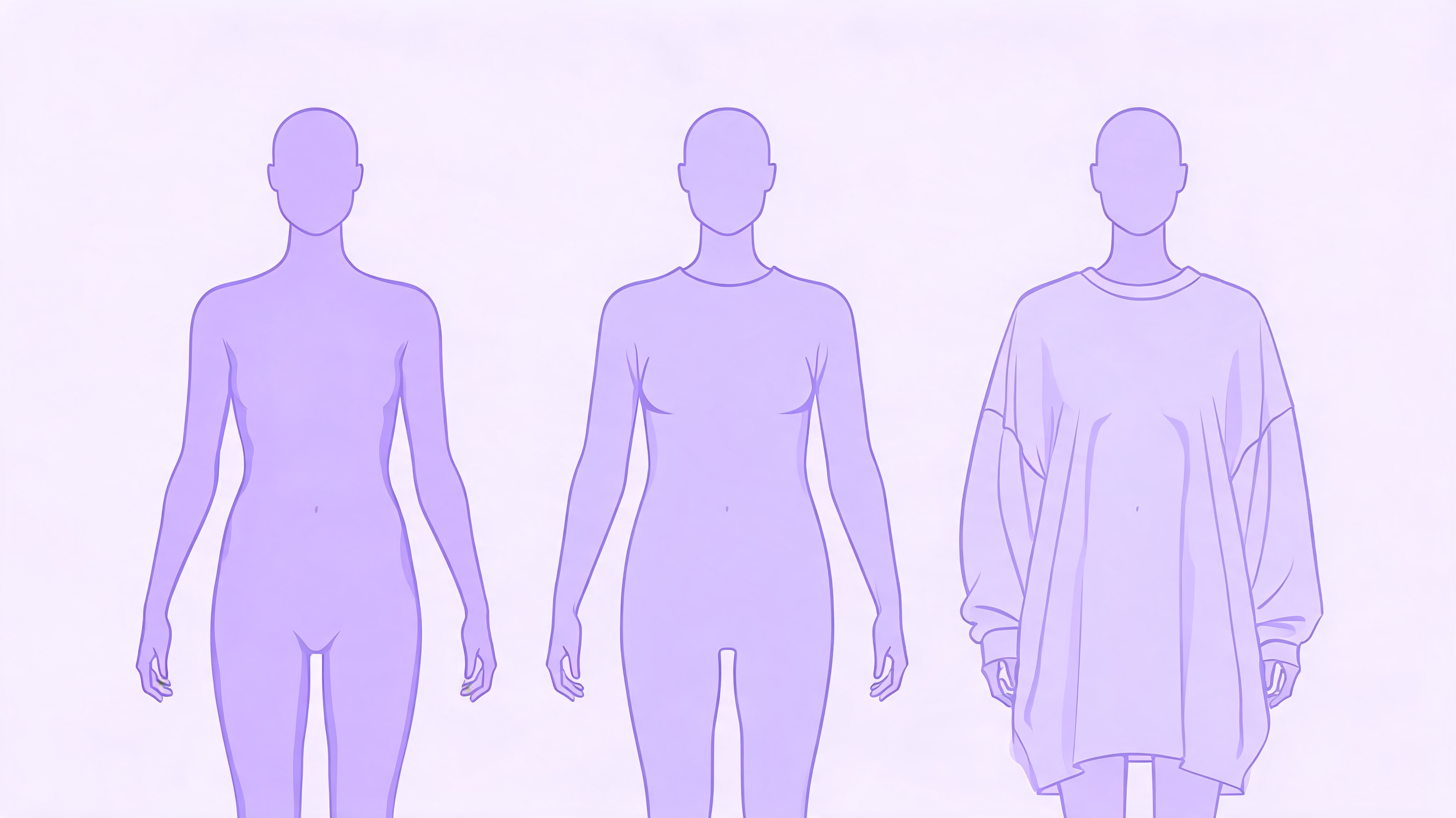
Using the Body Visualizer Body Shape Label for Style Choices
The Body Visualizer outputs a categorical body shape label — hourglass, pear, apple, rectangle. While the label is a simplification, it does map roughly onto fashion advice:
- Hourglass: Fitted styles work; belts emphasize the waist; wrap dresses, peplum tops. A Body Visualizer confirming "hourglass" suggests these will likely flatter.
- Pear: Volume on top balances; A-line bottoms work well; structured shoulders. A Body Visualizer "pear" label is a hint to look at top-heavy silhouettes.
- Apple: Empire-waist dresses, V-necks to elongate the torso; structured jackets. A Body Visualizer "apple" label suggests draping over fitted at the midsection.
- Rectangle: Layering for created curve; belted waists; peplum and ruffles. A Body Visualizer "rectangle" label points toward shape-creating cuts.
Treat the Body Visualizer's shape label as a suggestion, not a rule. Personal taste always wins over a Body Visualizer.
Body Visualizer + Capsule Wardrobe Planning
A useful exercise: open the Body Visualizer and use the goal comparison to model a fashion ideal silhouette — not a body goal, but the silhouette your favorite outfits assume. Then compare your current Body Visualizer silhouette to that ideal. The delta tells you:
- Which styles will mostly work out of the box.
- Which styles need tailoring.
- Which styles are not a fit for your proportions today (and would need a different cut entirely).
This is more useful than the alternative — ordering five sizes of the same dress and returning four.
Body Visualizer for Made-to-Measure
If you go down the made-to-measure rabbit hole — bespoke tailoring, MTM jeans, or even custom suits — every tailor will ask you for the same measurements that a Body Visualizer already uses. You can:
- Take a Body Visualizer screenshot.
- Send it (or just the numbers) to the tailor.
- Skip the awkward "I think I'm a 30 waist?" conversation entirely.
Some custom brands accept measurements directly. A Body Visualizer is essentially the format they want.
Body Visualizer Caveats for Fashion
The Body Visualizer is a useful fit aid, but a few honest caveats:
- A Body Visualizer cannot account for fabric stretch.
- A Body Visualizer does not know a specific brand's actual size table.
- A Body Visualizer cannot see posture, shoulder slope, or rib cage shape — all of which affect real fit.
- Two brands with "the same size chart" can fit completely differently — a Body Visualizer can narrow the choice, not lock it in.
So use a Body Visualizer to reduce returns, not eliminate them.
Privacy Notes for Fashion Use Cases
Because the Body Visualizer at body-visualizer.net does not store your measurements, you can safely:
- Use the Body Visualizer on a public computer (it stores no body data locally beyond your session — and you can hit Reset).
- Share a Body Visualizer screenshot with a tailor without exposing a real photo.
- Use the Body Visualizer measurements in your own private notes.
The Body Visualizer is one of the very few fashion-adjacent tools that does not turn your body data into a marketing asset.
A Quick Body Visualizer Fashion Checklist
Before your next clothing purchase:
- Re-enter your latest measurements in the Body Visualizer
- Note your Body Visualizer waist, hip, bust, inseam
- Note your Body Visualizer hip-to-waist ratio
- Open the brand size chart
- Compare each Body Visualizer value to the chart row by row
- If two sizes split your Body Visualizer numbers, size for the larger circumference and plan to tailor the smaller
Five minutes with a Body Visualizer can save weeks of return shipping.
👉 Open the Body Visualizer before your next order.