
A 3D body visualizer is a browser-based tool that takes your numeric measurements — height, weight, waist, hips, chest, and inseam — and renders them as a rotating three-dimensional figure you can inspect from any angle. Instead of returning a single number like BMI, it gives you a shape: a parametric mesh scaled to your proportions, alongside secondary metrics like waist-to-hip ratio, waist-to-height ratio, and an estimated body-fat percentage.
The value of a 3D body visualizer is practical: it combines several measurements in one proportional view instead of reducing the body to a single number.
This guide explains how a 3D body visualizer works, what it measures, how to use one effectively, and where its limits are.

Key Takeaways
- A 3D body visualizer converts measurements into a rotating parametric mesh, producing up to six metrics alongside the visual: BMI, WHR, WHtR, body-fat estimate, shape label, and goal comparison.
- Height and weight establish a baseline; waist, hips, chest, and inseam give the model more specific proportional information.
- A 3D body visualizer isn't a medical device — it's a visual reference tool for goal-setting, proportion tracking, and measurement-based self-assessment.
What Is a 3D Body Visualizer?
A 3D body visualizer is a measurement-to-shape converter. You enter your body measurements as numbers; the tool renders them as a scaled 3D figure you can rotate through 360 degrees. The figure isn't a photo or a scan — it's a parametric model, which means the software adjusts the shape of an underlying mesh to match the proportions your inputs describe.
What separates a 3D body visualizer from a text-based body shape quiz is the output layer. A quiz returns a label: "pear," "apple," "hourglass." A 3D visualizer returns that same label AND a model that shows what your specific waist-to-hip ratio actually looks like at your height. Two people with identical WHRs but different heights produce different-looking renders because height scales the entire mesh.
The free 3D body visualizer at body-visualizer.net runs entirely in your browser. Nothing is uploaded or stored externally. You close the tab and the data is gone.
How a 3D Body Visualizer Renders Your Shape
The rendering process has three stages. Understanding them makes it easier to interpret what the model shows — and what it doesn't.
Stage 1: Input collection. The tool accepts your measurements in metric or imperial units. Minimum inputs are height and weight. Optional inputs — waist, hip, chest or bust, and inseam — improve the render's accuracy by replacing population averages with your actual proportions.
Stage 2: Metric calculation. Before rendering, the tool computes BMI, WHR, WHtR, and a body-fat estimate. The estimate is based on the Deurenberg formula described in research indexed by PubMed, but this implementation has no age input and substitutes a fixed age of 30. Treat the result as a rough model output, not a personal clinical estimate.
Stage 3: Mesh generation. The calculated proportions are mapped onto a parametric 3D mesh — a mathematical surface defined by control points at key body regions. The tool scales those control points to match your waist width, hip width, shoulder width, and total height. The result is a figure that represents a body with your measurement ratios, not a photorealistic portrait.
Our finding: The parametric mesh approach means two things most users don't realize. First, the 3D figure always looks like a recognizable human body — the math won't produce something anatomically impossible at edge inputs. Second, it can't show asymmetry, posture differences, or regional fat distribution that your measurements alone don't describe. What the mesh captures is proportion — the relationship between body regions — not your specific appearance.
What a 3D Body Visualizer Calculates
The rotating figure is the visible output, but the metrics calculated alongside it are what make the tool genuinely useful. Here's what each one tells you.
BMI (Body Mass Index) is computed from height and weight alone. It categorizes weight relative to height using the CDC's adult BMI scale. BMI can't distinguish muscle from fat and doesn't explain body composition on its own, but it provides a population-level reference that's clinically understood.
WHR (Waist-to-Hip Ratio) divides waist circumference by hip circumference. The WHO report discusses sex-specific WHR cut points for population-level risk screening. Those health references are separate from the visualizer's geometric shape labels.
WHtR (Waist-to-Height Ratio) divides waist by total height. It adds another proportion to the display, but the visualizer does not turn that number into an individual diagnosis.
Estimated body-fat percentage uses a Deurenberg-style regression with BMI and sex while substituting a fixed age of 30 because the visualizer does not ask for age. This simplifying assumption limits individual accuracy; do not treat the browser estimate as a clinical reading.
Body shape label (hourglass, pear, apple, rectangle, or inverted triangle) is a geometric summary based on chest-to-hip difference and WHR. It tells you which rule your measurements match. For a full breakdown of each label, see our body shape types guide.
Goal comparison lets you enter target measurements alongside current ones and see both silhouettes side by side. This feature is most strongly associated with repeat use — a visual target is more concrete than a weight number alone. For more on how shape classification works mathematically, read how a 3D body shape calculator works.
How Input Depth Affects Your 3D Model
Not all inputs describe the same part of the model. Height and weight set a broad baseline. Waist and hips replace some generic assumptions with your own proportions, while chest and inseam add more torso and leg detail.
More inputs do not make the result a scan or a photorealistic copy. They simply give the parametric model more specific measurements to work with. If you can add only one pair beyond height and weight, waist and hips usually change the silhouette most visibly.
How to Take Measurements for the Best 3D Result
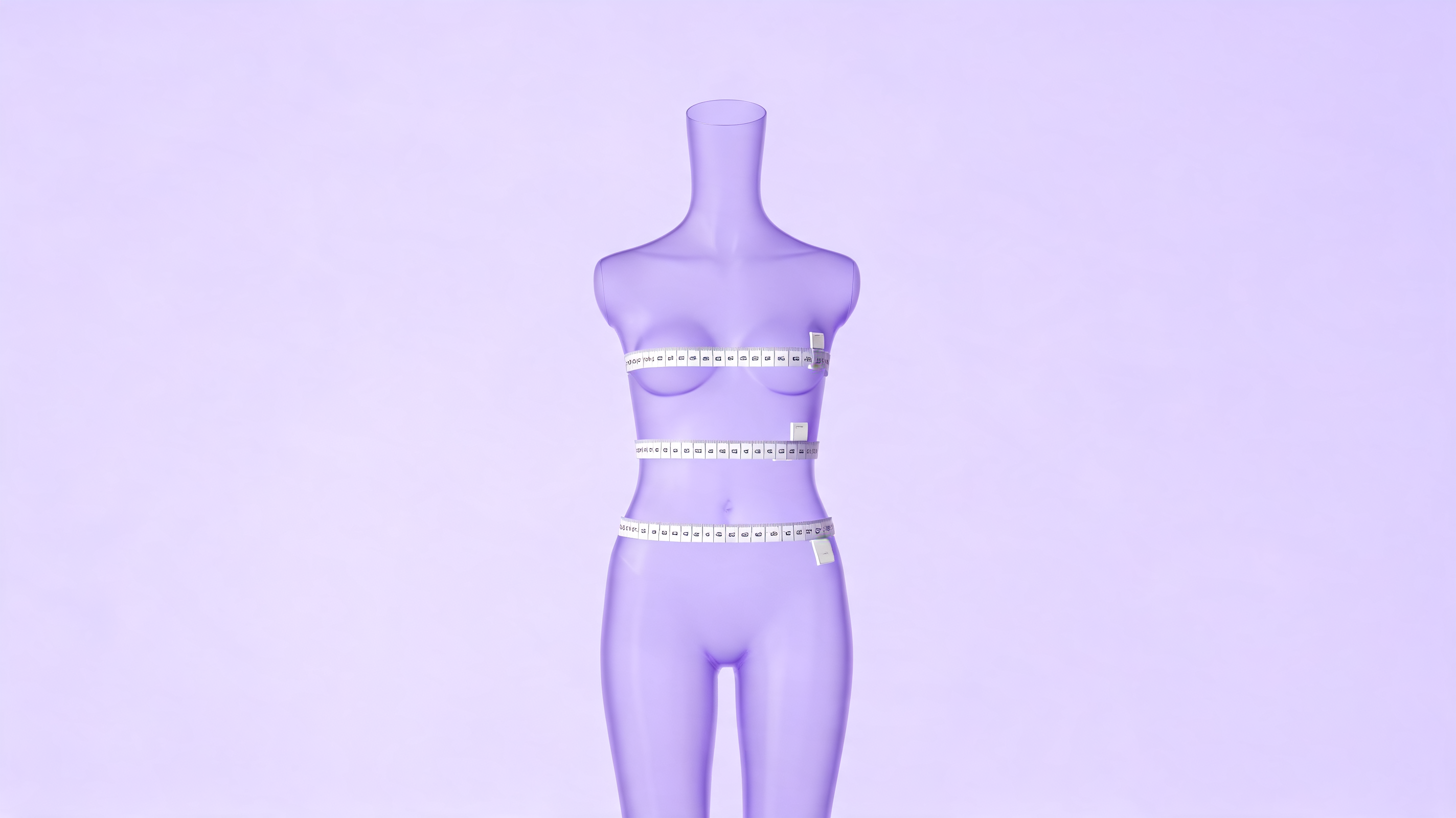
Accurate inputs are the only way to get a useful 3D render. The most common error? Measuring over clothing. It can add 2–4 cm to waist and hip readings and push you into a completely different shape category.
Here's how to measure each body region correctly:
- Height: Stand barefoot against a wall with heels together. Place a flat ruler on top of your head and read the mark at eye level.
- Weight: Use a bathroom scale in the morning, after using the bathroom, before eating.
- Waist: Measure at the narrowest point, roughly 2–3 cm above the navel. Exhale naturally — don't hold your breath in.
- Hips: Measure at the widest point across the buttocks while standing with feet together.
- Chest or bust: Measure across the fullest part of the chest, keeping the tape parallel to the floor.
- Inseam: Measure from the crotch seam of a well-fitting pair of trousers to the floor.
Use a soft flexible measuring tape. Re-measure in the same conditions every time — same time of day, no clothing — so your numbers are actually comparable across sessions.
For full step-by-step measurement instructions, see our complete body measurement guide.
How to Use a 3D Body Visualizer: A Practical Workflow
Using a 3D body visualizer takes about two minutes once you have your measurements ready. Here's a repeatable process.
Step 1: Enter your current measurements. Start with all six inputs if possible. If you only have height and weight, the render still works — it'll just use average proportions for your BMI group rather than your actual shape.
Step 2: Review your metrics panel. Before rotating the figure, note your WHR, WHtR, BMI, and shape label. These are the numbers you can track and actually change over time. The shape label tells you which distribution pattern your measurements fall into.
Step 3: Rotate the 3D figure. View your silhouette from the front, side, and back. The side profile often reveals midsection proportion that front-facing photos miss. The back view is useful for understanding hip and shoulder width balance.
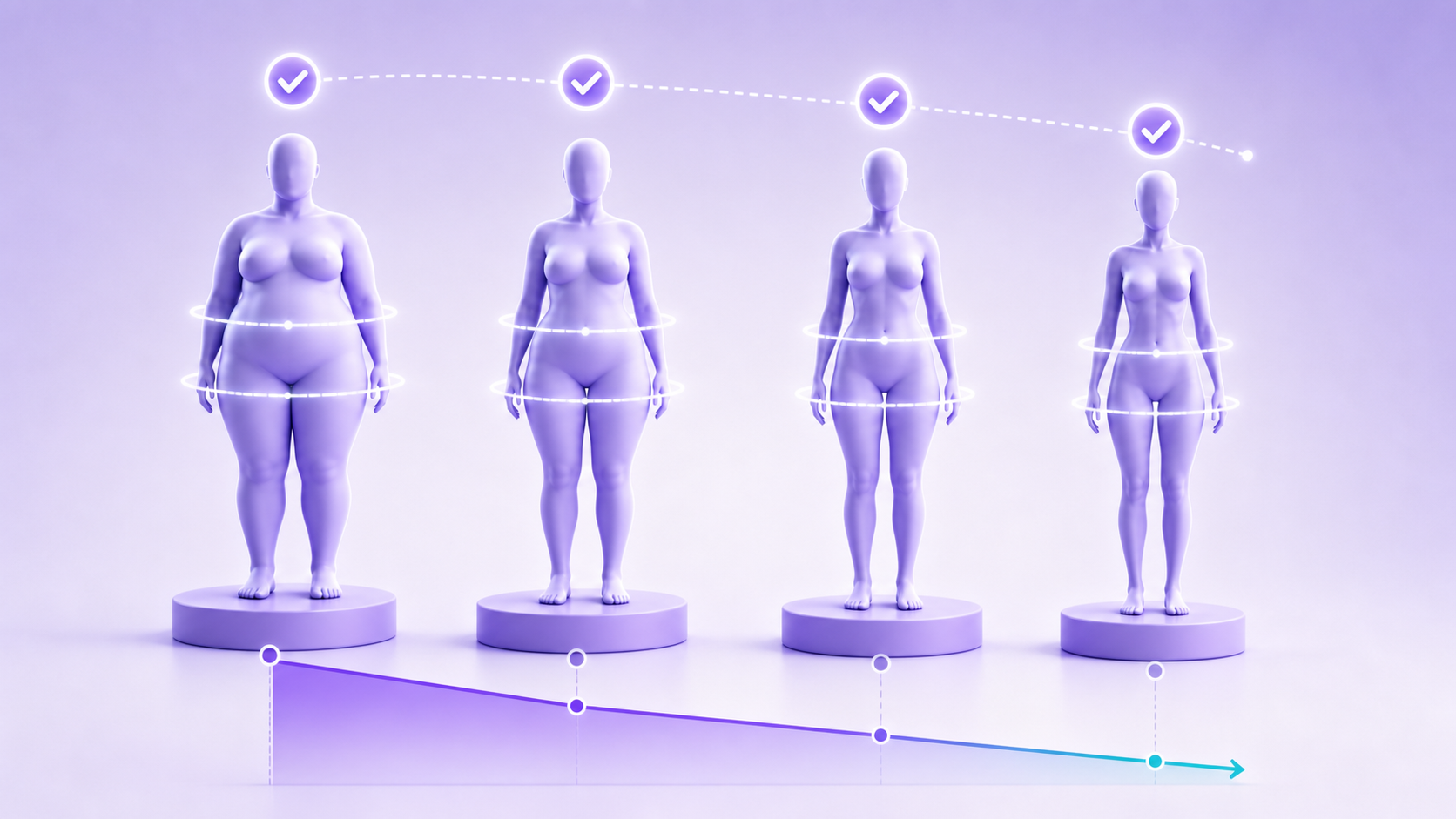
Step 4: Use the goal-comparison view. Enter a target weight, waist, or hip measurement alongside your current inputs. The side-by-side render makes "what would losing 5 cm off my waist actually look like?" answerable in a way that no scale number does.
Step 5: Screenshot and revisit. Body-visualizer.net doesn't store your data. Save a screenshot of your measurements and shape classification. Revisit every four to six weeks. One snapshot isn't useful — the value is in comparing snapshot one with snapshot twelve weeks later.
For the full input workflow including measurement tips, read our step-by-step body visualizer guide.
3D Body Visualizer Use Cases: Fitness, Fashion, and Health
A 3D body visualizer is most useful in three practical contexts.
Fitness goal-setting. Numbers can feel abstract; a shape comparison makes a measurement goal easier to inspect. Entering a target waist and seeing the render change provides a visual reference that a scale reading alone cannot show.
Practical tip: Compare measurements taken with the same technique and under similar conditions. The visual reference is useful only when the inputs are consistent.
Fashion and clothing decisions. A body shape label can help organize general fit advice around your proportions. A general body visualizer cannot overlay or size a specific garment, so treat the label as a starting point and use the retailer's own size chart. For more on this use case, see our body visualizer for fashion guide.
Health context. WHR is a screening measure discussed in the WHO report, while the visualizer's shape label is a geometric category. The product's separate shape classifier uses WHR ≥ 0.90 for apple only after its chest-to-hip rules. Do not interpret that label as a health-risk result; ask a qualified healthcare professional about personal risk.
What a 3D Body Visualizer Can't Tell You
The limits matter as much as the capabilities. A 3D body visualizer is not:
- A medical device. It can't diagnose conditions, screen for eating disorders, or replace clinical assessment.
- A body composition scanner. It can't measure actual fat mass vs lean mass. That requires a DEXA scan or InBody BIA measurement. The Deurenberg body-fat estimate is directional, not clinical.
- A posture or muscle-distribution tool. The parametric mesh models proportions, not the specific location of fat deposits, muscle mass, or structural asymmetries.
- A photorealistic replica. The figure shows a body with your measurement ratios — not specifically you. Two people with identical inputs produce identical renders.
- A single-session progress tool. One snapshot isn't useful for tracking change. You need at least two snapshots, four to six weeks apart, taken consistently.
Knowing these limits is what makes the tool useful rather than misleading. For a full breakdown of what the tool can and can't accurately measure, see our body visualizer accuracy guide.
Frequently Asked Questions
What does a 3D body visualizer do?
A 3D body visualizer takes your height, weight, and body circumference measurements and renders them as a rotating three-dimensional figure. It also calculates secondary metrics including BMI, waist-to-hip ratio, waist-to-height ratio, an estimated body-fat percentage, and a body shape classification. It's a visual reference tool for goal-setting and proportion tracking, not a medical device.
How accurate is a 3D body visualizer?
The render is a proportional estimate, not a body scan. Consistent measurements and additional circumference inputs give the model more specific information, but they do not make it photorealistic or clinically accurate.
Is a 3D body visualizer free to use?
Most browser-based 3D body visualizers are free. The tool at body-visualizer.net requires no account, processes all inputs client-side, and stores nothing externally for the core preview. Mobile apps offering progress history typically use a freemium model, with premium tiers ranging from USD 4.99 to 12.99 per month.
Can a 3D body visualizer help with weight loss?
Yes, as a goal-setting and visualization tool. Entering current and target measurements and comparing the two silhouettes side by side makes a goal more concrete than a scale number alone. The visual comparison is associated with stronger goal adherence. For a structured approach to goal-setting, see our body visualizer for weight loss guide.
How often should I use a 3D body visualizer?
Every four to six weeks is practical for fitness tracking. Body shape classifications change slowly — WHR shifts over weeks of consistent diet and exercise, not days. Monthly recalculation gives enough time for a meaningful measurement change while keeping the feedback cycle short enough to stay motivating.
Does a 3D body visualizer store my body measurements?
Browser-based tools that run client-side don't store anything. body-visualizer.net processes all inputs locally in your browser for the core preview, with no server transmission. Mobile apps that log progress history must store data — either locally or on their servers. Always check the privacy policy before entering measurements. See our body visualizer privacy guide for a full breakdown.
The Bottom Line
A 3D body visualizer does what a scale can't: it translates your measurements into a shape you can see, rotate, and compare against a goal. The math behind it — WHR, WHtR, BMI, body-fat estimation — comes from established public health research. What the tool adds is a visual layer that turns abstract ratios into something the brain can form a concrete intention around.
Use accurate measurements, treat the model as a proportional estimate rather than a portrait, and revisit every four to six weeks to track change over time.
Try the free 3D body visualizer — enter your measurements and get a rotating 3D shape, body metrics, and goal comparison with no account required.
Sources: World Health Organization, Waist Circumference and Waist-Hip Ratio Report, retrieved 2026-07-17, https://www.who.int/publications/i/item/9789241501491. PubMed, Deurenberg et al., Body mass index as a measure of body fatness, retrieved 2026-07-17, https://pubmed.ncbi.nlm.nih.gov/2043597/.
Related Articles
- What is a body visualizer?
- Body shape calculator 3D: how it works and the 5 body types
- How to use a body visualizer step by step
- Body visualizer accuracy: what it can and can't measure
- How to measure your body correctly
- Best body visualizer tools compared
- Body visualizer for weight loss goal setting
- Body visualizer for fitness tracking
- Body visualizer for fashion decisions